


The Short Answer
Your loan balance in the books and the balance at the lender should be almost the same. When they are not, the most common reason is that loan payments were recorded as expenses instead of being split into principal and interest. Other reasons include a loan that was never set up properly, missing or extra payments, and comparing numbers from different dates. The lender’s statement shows what you really owe, so once you find the cause, your books should be corrected to match it.
A Common Situation
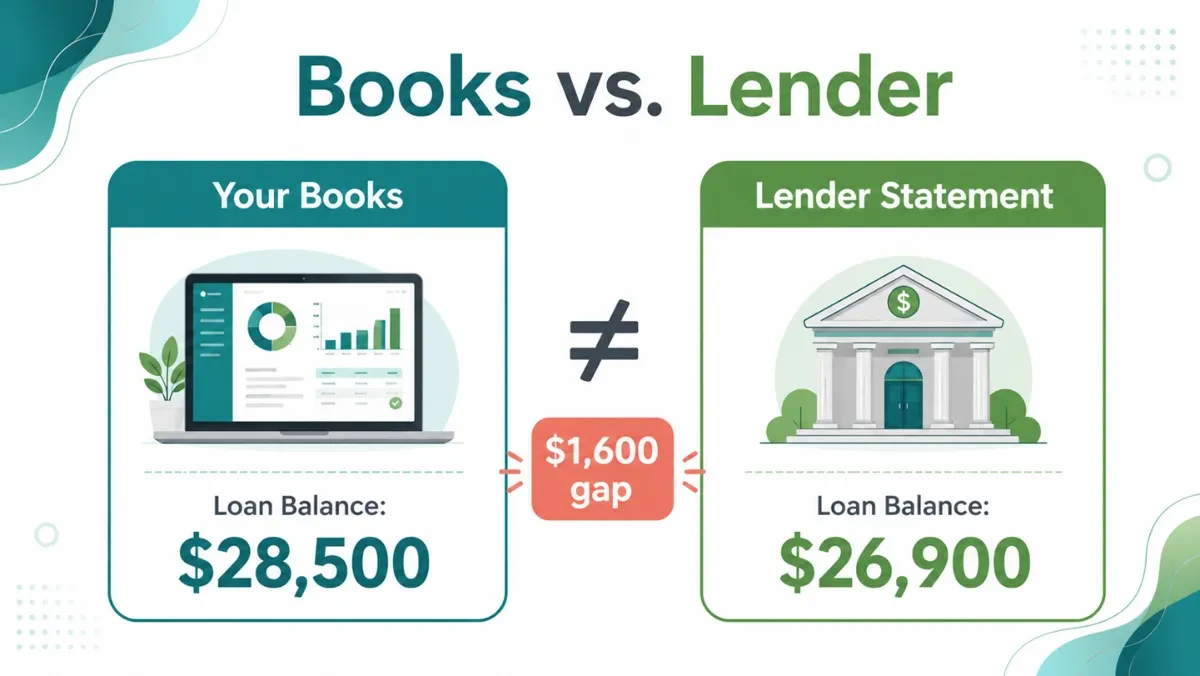
You check your QuickBooks or Xero account and see a loan balance of $28,500. But your lender’s latest statement shows $26,900.
Why don’t the numbers match?
This is a common bookkeeping issue for businesses with vehicle loans, equipment financing, and business loans.
The difference may come from incorrectly recorded payments, missing transactions, unrecorded interest, or an incorrect opening balance.
If these differences are not investigated, your Balance Sheet may show an inaccurate amount of debt.
1. Common Reasons Your Loan Balance Doesn’t Match
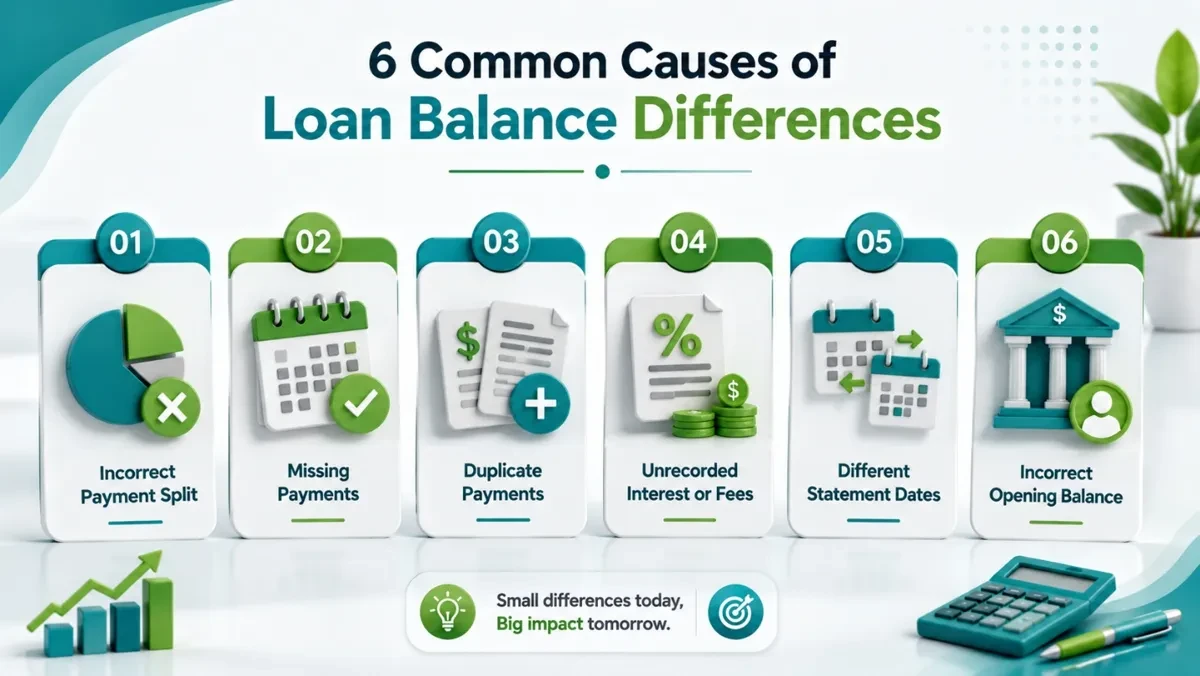
Several issues can cause the loan balance in your books to differ from the lender’s records.
A. Loan Payments Were Recorded Incorrectly
A regular loan payment usually includes two parts: principal and interest.
For example, your business makes a $1,000 monthly payment. The lender applies $800 toward the loan principal and $200 toward interest.
If you record the entire $1,000 as a reduction of the loan balance, your books will show less debt than you actually owe.
If you record the full payment as an expense, your loan balance may remain higher than it should be.
The principal should reduce the loan balance, while the interest should be recorded as an expense.
B. Some Loan Payments Are Missing
A payment may appear on the lender’s statement but be missing from your accounting records.
This can happen when a payment comes from an unconnected bank account, is excluded from the bank feed, or is never entered manually.
As a result, your books may show a higher loan balance than the lender’s records.
C. Payments Were Recorded Twice
A payment may be entered manually and then imported again through the bank feed.
For example, your business makes one $1,000 payment, but QuickBooks records it twice.
This can make your loan balance lower than the actual amount owed.
D. Interest or Other Charges Were Not Recorded
Lenders may add interest, late fees, or other charges to a loan account.
If these amounts appear on the lender’s statement but are missing from your books, the balances may not match.
Incorrectly estimating interest instead of using the lender’s actual payment breakdown can also create differences.
E. Payment Dates Do Not Match
Sometimes, both records are correct, but the balances are being compared on different dates.
For example, your books show the loan balance as of March 31, while the lender’s statement is dated March 27.
A payment or interest charge posted between those dates may explain the difference.
Always compare balances using the same date.
F. The Opening Loan Balance Is Incorrect
If the difference existed from the beginning, the opening loan balance may have been entered incorrectly.
For example, your bookkeeping starts with a loan balance of $30,000, but the lender’s records show $27,500 on the same date.
That initial $2,500 difference may continue affecting your records until it is investigated and corrected.
2. How to Find the Difference
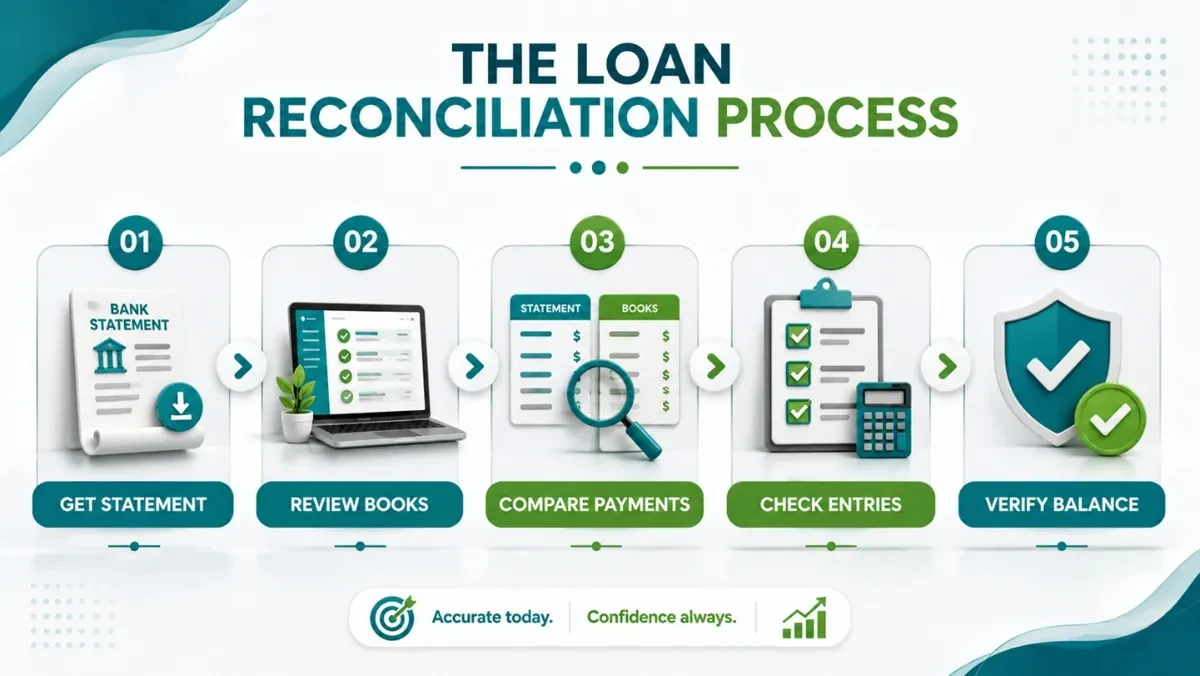
Before making any adjustments, identify what caused the mismatch.
Follow these steps:
Get the Latest Loan Statement
Download the lender’s statement or payment history. Check the outstanding principal, payments, interest, additional charges, and any new borrowing.
Review Your Loan Account
Open the loan account in QuickBooks or Xero. Check the opening balance, recorded payments, additional borrowing, and adjustments.
Compare Each Payment
Match the lender’s payment history with your accounting records. Make sure each payment is correctly divided between principal, interest, and applicable charges.
Check for Missing or Duplicate Transactions
Look for payments that were missed, recorded twice, or entered with incorrect dates. Also check for unrecorded fees and additional borrowing.
Verify the Balance
Compare the loan’s principal balance in your books with the lender’s principal balance on the same date.
3. What You Should Avoid
When you find a loan balance difference, avoid these common mistakes:
- Do not create a random adjustment just to force the balance to match.
- Do not record the entire loan payment as an expense without checking its breakdown.
- Do not record every payment entirely against the loan principal.
- Do not ignore missing or duplicate payments.
- Do not compare a loan’s principal balance with a payoff quote.
- Do not change the opening balance without checking its original source.
An unexplained adjustment may hide the real problem and create further errors in your financial records.
4. How to Correct the Difference
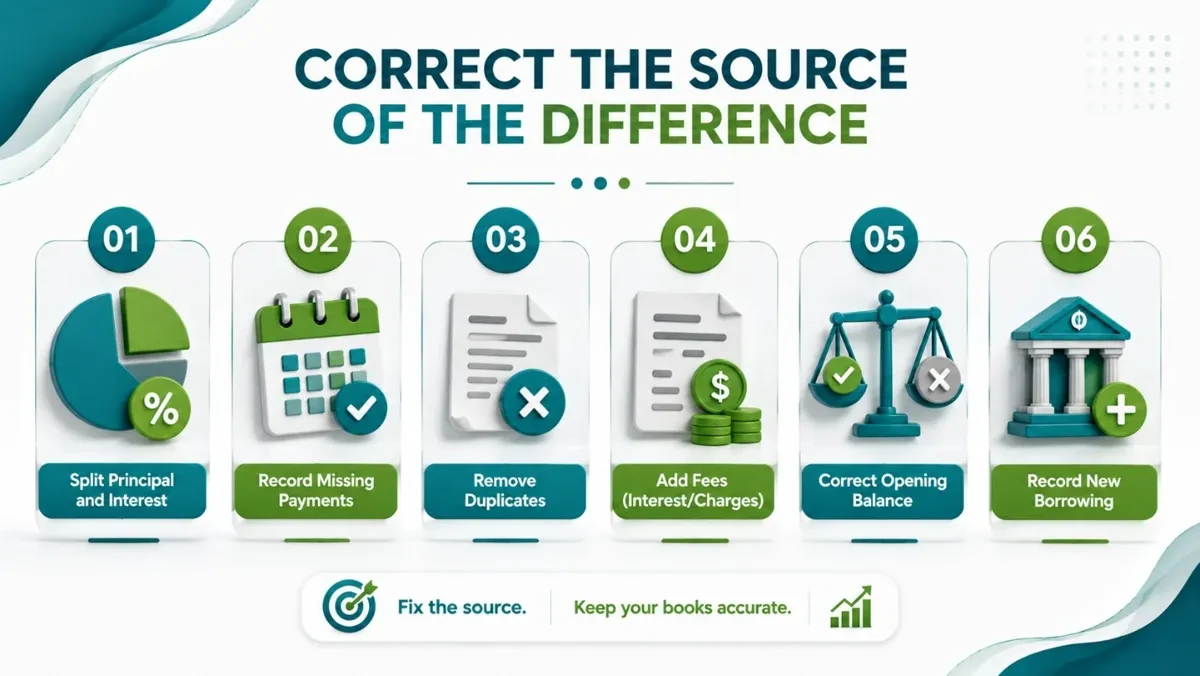
Once you identify the cause, make the appropriate correction.
| If the cause is… | What to do |
|---|---|
| Incorrect payment split | Correct the principal and interest amounts. |
| Missing payment | Record the payment using the correct date and breakdown. |
| Duplicate payment | Remove or reverse the duplicate entry after verification. |
| Unrecorded interest or fees | Record the applicable charges correctly. |
| Incorrect opening balance | Review the original records and correct the starting amount. |
| Missing additional borrowing | Record the new loan funds or credit-line withdrawals. |
After making corrections, review the loan account again and confirm that the balance agrees with the lender’s records.
5. A Simple Loan Reconciliation Checklist
Before closing your books, check the following:
| Review Area | What to Check |
|---|---|
| Opening Balance | Agrees with original loan records |
| Loan Payments | All payments are recorded |
| Principal & Interest | Correctly separated |
| Fees & Charges | Recorded where applicable |
| Extra Payments | Additional principal payments included |
| New Borrowing | Additional funds recorded |
| Final Balance | Matches the lender’s principal balance on the same date |
Know What Your Business Really Owes
Your loan balance is an important part of your Balance Sheet. If it is incorrect, your financial reports may not reflect how much your business actually owes.
Regular loan reconciliation helps keep your records accurate and makes financial reviews easier.
At Accounting Touch, we help businesses investigate loan balance differences, correct bookkeeping errors, reconcile accounts, and maintain accurate financial records through professional cleanup and ongoing bookkeeping services.
Does your loan balance differ from your lender’s statement? Contact Accounting Touch to find the difference and get your books back on track.