
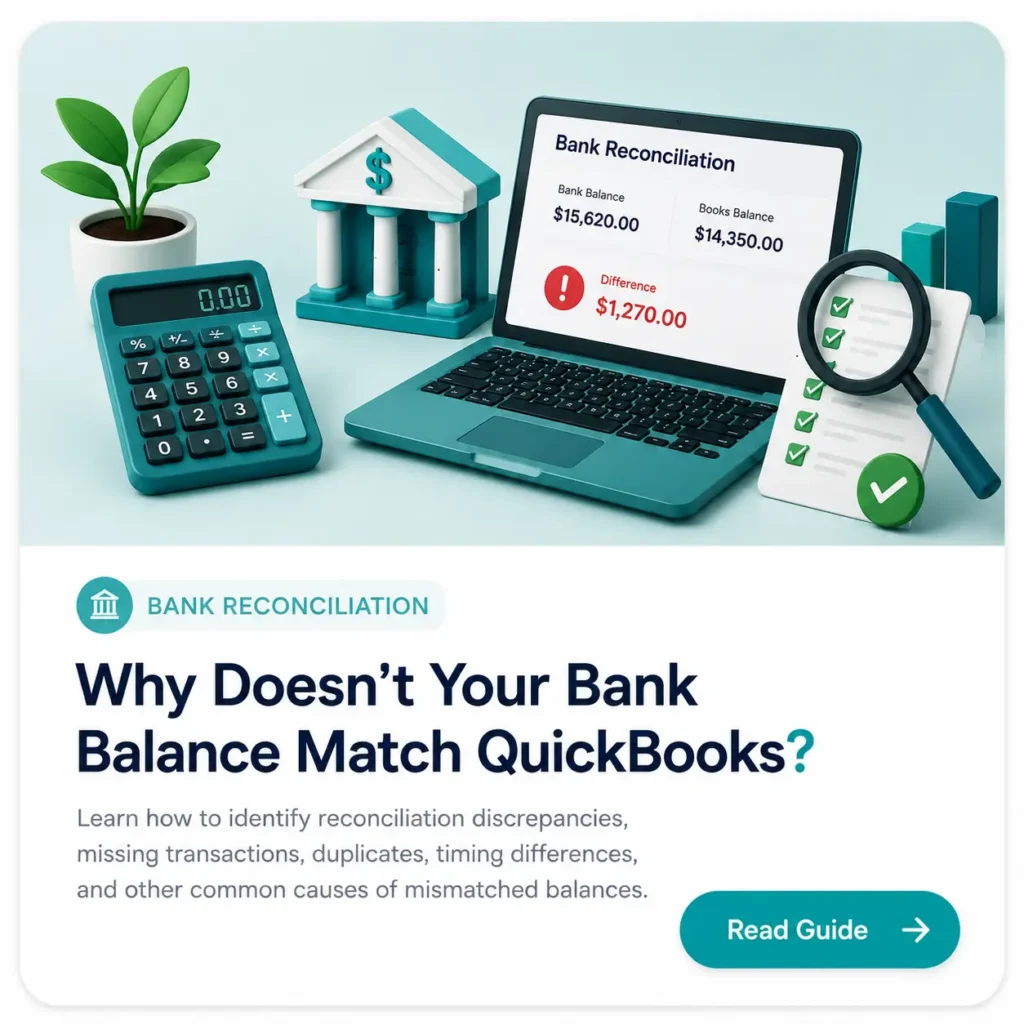
Your bank statement says one amount, but QuickBooks shows another. Before assuming something is seriously wrong, remember that a mismatch usually has a traceable cause. Missing transactions, duplicate entries, timing differences, and incorrect recording can all create reconciliation discrepancies.
This guide explains the most common causes, shows what each issue looks like in real bookkeeping, and gives you a practical way to identify the root cause before making corrections.
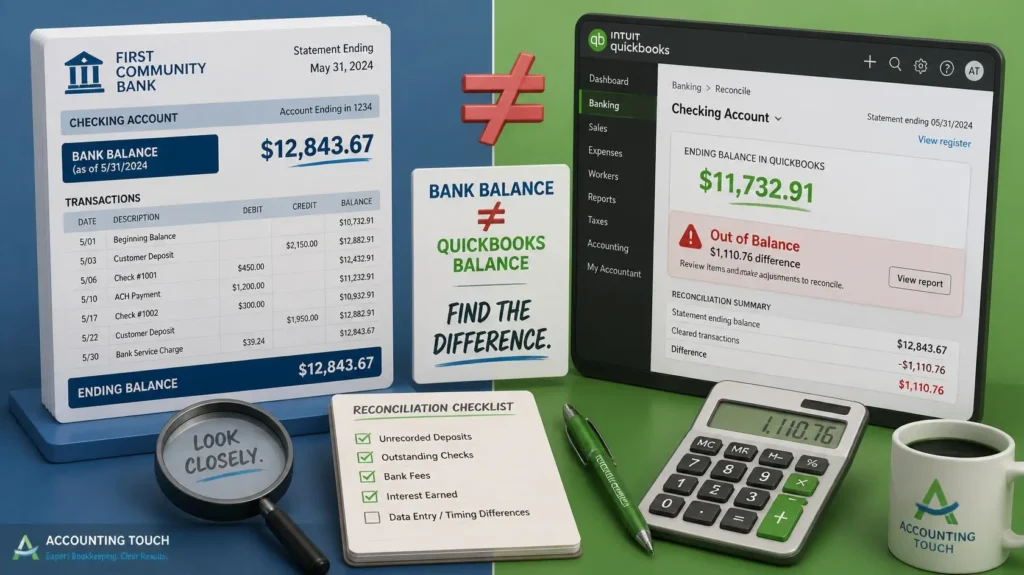
What You’ll Learn
⦁ The four most common causes of bank reconciliation discrepancies
⦁ How each issue appears in the bank statement versus QuickBooks
⦁ Simple real-world examples you can recognize in a bookkeeping file
⦁ What to check before deleting, editing, or re-entering transactions
⦁ Best practices for keeping reconciliations clean and accurate
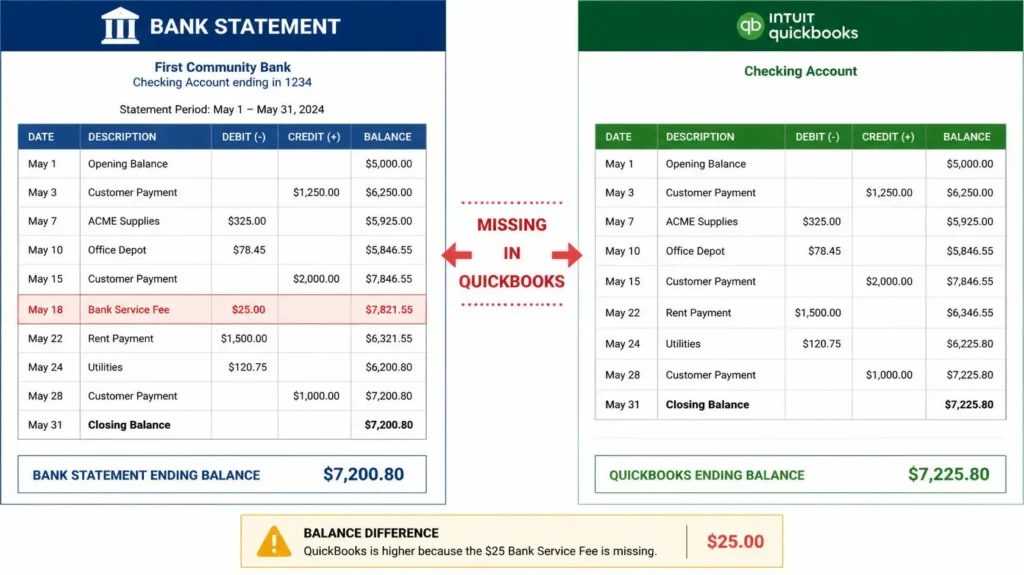
1. Missing Transactions
A transaction appears on the bank statement but is missing from QuickBooks—or it exists in QuickBooks but has not reached the bank statement yet.
Common examples:
⦁ Bank fees or interest were not recorded.
⦁ A customer payment appears at the bank but was never recorded in QuickBooks.
⦁ A check, withdrawal, or transfer was missed during data entry.
⦁ A transaction failed to sync or was accidentally excluded.
2. Duplicate Transactions
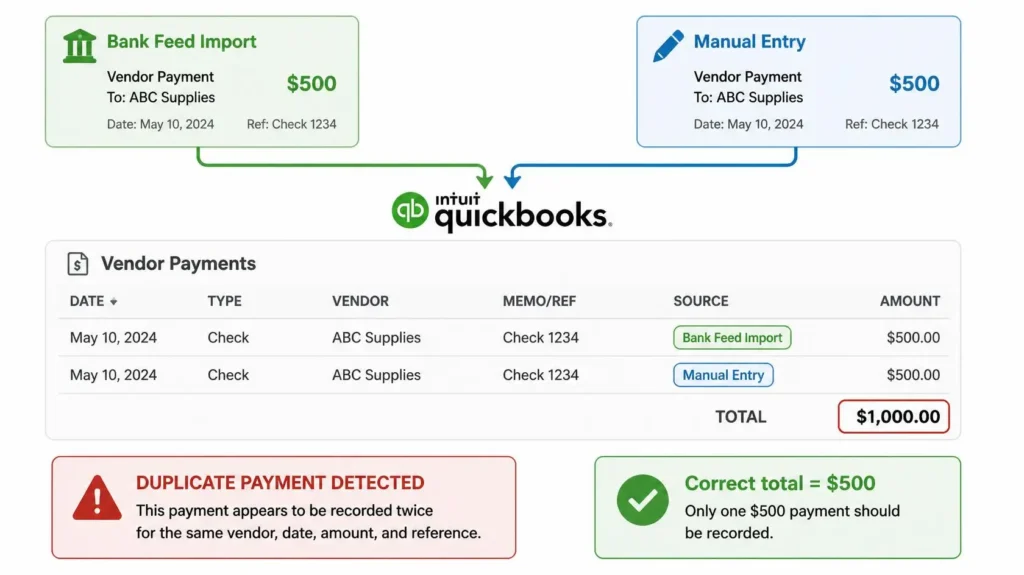
The same transaction has been recorded more than once in QuickBooks. This can happen when a bank-feed transaction is imported and the same payment is manually entered.
Common examples:
⦁ A bank-feed transaction is added even though a manual entry already exists.
⦁ A duplicate deposit or payment is entered manually.
⦁ A transaction is imported again after a previous upload.
⦁ Duplicate entries can overstate expenses, income, or account balances.
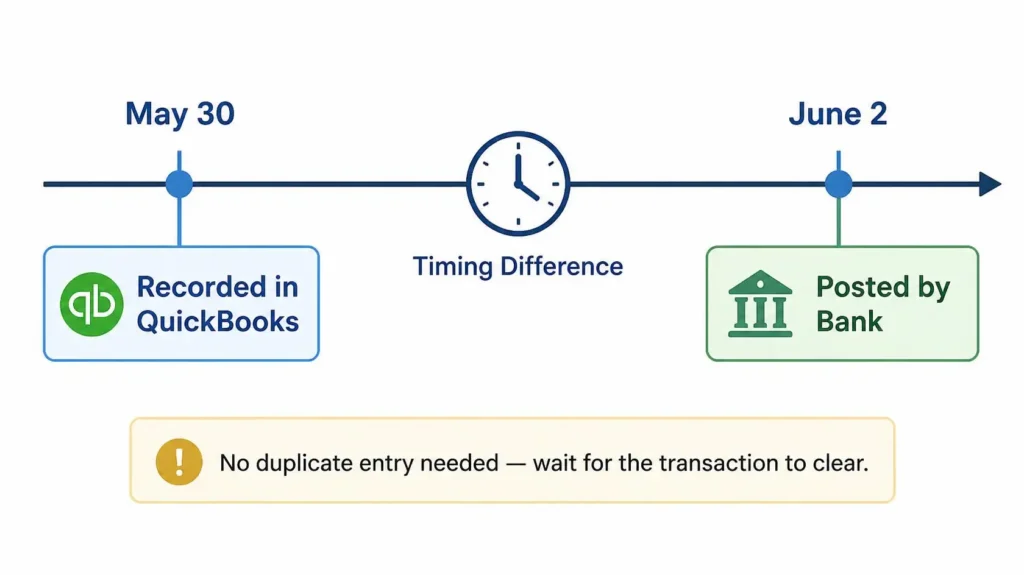
3. Timing Differences
Common examples:
Sometimes the books and the bank are both correct, but the transaction is recorded on different dates. This is a timing difference, not necessarily an error.
Common examples:
⦁ A check is recorded in QuickBooks before the bank clears it.
⦁ A deposit is recorded in QuickBooks before the bank posts it.
⦁ Weekend or holiday processing delays affect the bank posting date.
⦁ Credit-card or ACH transactions may clear several days after the original entry.
4. Recording Errors
Common examples:
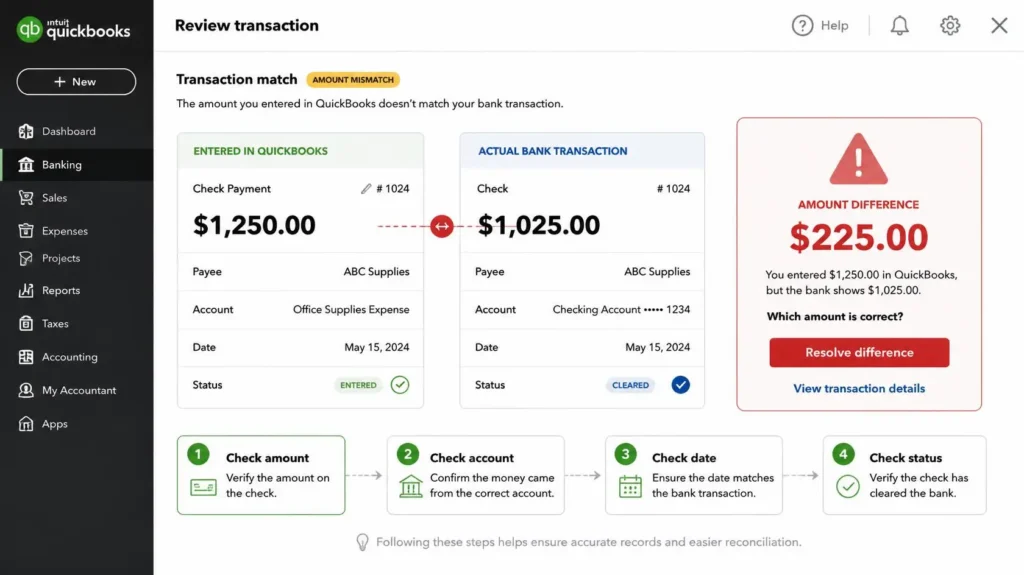
A transaction can be present in both systems but still cause a mismatch because it was recorded incorrectly in amount, account, date, or transaction type.
Common examples:
⦁ The wrong amount was entered.
⦁ A transaction was posted to the wrong bank or credit-card account.
⦁ A deposit was categorized incorrectly or recorded to the wrong account.
⦁ A transaction was marked as cleared even though it has not actually cleared.
⦁ A payment, transfer, or journal entry was entered with incorrect details.
How to Find the Root Cause
When the reconciliation does not balance, avoid changing transactions randomly. Work from the difference and trace it systematically.
- Confirm the bank statement period and ending balance.
- Compare the QuickBooks reconciliation ending balance with the bank statement.
- Check for missing transactions first.
- Search for duplicate deposits, payments, and expenses.
- Review uncleared transactions and possible timing differences.
- Compare transaction dates, amounts, accounts, and cleared status.
- Only after identifying the cause, make the necessary correction and reconcile again.
Pro Tips to Prevent Reconciliation Problems
⦁ Reconcile bank and credit-card accounts regularly—ideally every month.
⦁ Review bank-feed matches instead of accepting every transaction automatically.
⦁ Keep an eye on old uncleared transactions.
⦁ Review duplicate and unusual entries before closing the month.
⦁ Do not delete transactions simply because they cause a reconciliation difference; identify the root cause first.
Not sure why your books don’t balance? A reconciliation difference can be a small data-entry issue—or a sign of a larger bookkeeping cleanup problem. Our bookkeeping team can review the file, identify discrepancies, and clean up the underlying issues so your financial records are accurate and reliable.